Imagine walking into a kitchen.
On the bench are biscuits, chips, and soft drinks. In the cupboard are baking ingredients, fresh fruit, and simple recipes. What do you think gets eaten first?
This is the idea behind what I call the digital pantry.
What is a digital pantry?
Just like a food pantry shapes what children snack on, a digital pantry shapes what children do with screens.
A digital pantry is the collection of tools, apps, and resources that are:
- Visible
- Easy to access
- Familiar
When only entertainment apps are visible, consumption becomes the default. When creative tools are just as easy to reach, creation becomes a real option.
Children don’t always choose what is best. They choose what is available.
Why visibility matters more than rules
Many parents focus on limits, bans, and time restrictions. Those can help, but they don’t answer a more important question:
“What can my child actually do with this device?”
If the home screen is filled with video platforms and games, that’s where children will go. If it also includes tools for:
- Drawing
- Writing
- Audio recording
- Coding
- Designing
Then the device quietly becomes something else. Not a distraction. A workspace.
What belongs in a healthy digital pantry?
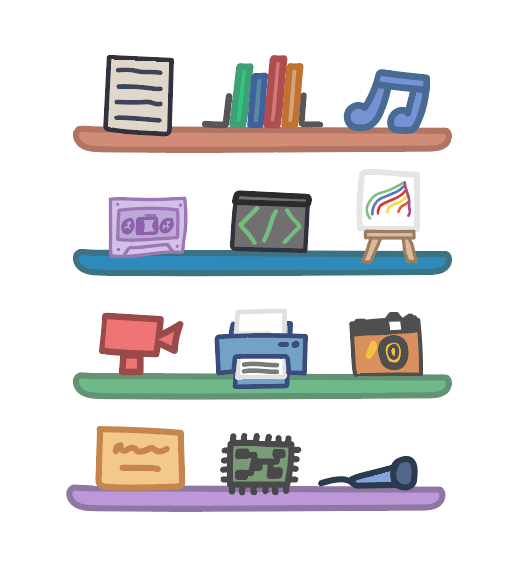
A strong digital pantry doesn’t need to be large or complicated. A few well-chosen tools are enough.
Here are some examples:
- A simple drawing or design app
- A writing or note-taking tool
- Scratch for coding and game design
- An audio recording app
- A basic video editor
The goal isn’t mastery. It’s familiarity. When children know these tools exist, they’re far more likely to experiment.
Why this works so well
One of the most powerful things about the digital pantry idea is that it removes pressure.
You don’t have to:
- Constantly suggest ideas
- Hover while they work
- Be the expert
You simply change the environment.
Over time, children begin to:
- Explore tools on their own
- Combine ideas creatively
- Take ownership of projects
This mirrors what happens in classrooms where creative tools are made visible and normal.

A small change that makes a big difference
You don’t need to overhaul everything overnight. Start with one small step:
- Add one creative app to the home screen
- Create a folder called “Create” or “Make”
- Show your child one simple thing the tool can do
Then step back. Often, curiosity does the rest.
From screens to workshops
When children see technology as a place to make things, not just consume them, the entire relationship with screens begins to shift — less conflict, more focus, more pride in what they produce.
This idea of the digital pantry is explored in much more detail in Better Tech Kids, alongside practical examples of how families can set it up in real homes, with real constraints.
Technology will always offer distractions. But with the right tools visible, it can also offer possibility.